
Gold and Silver - Manual Claims Reimbursement Process
This document details how to use the RSI portal and mobile app for managing claims, including features like filing claims, checking balances, and downloading the mobile app.
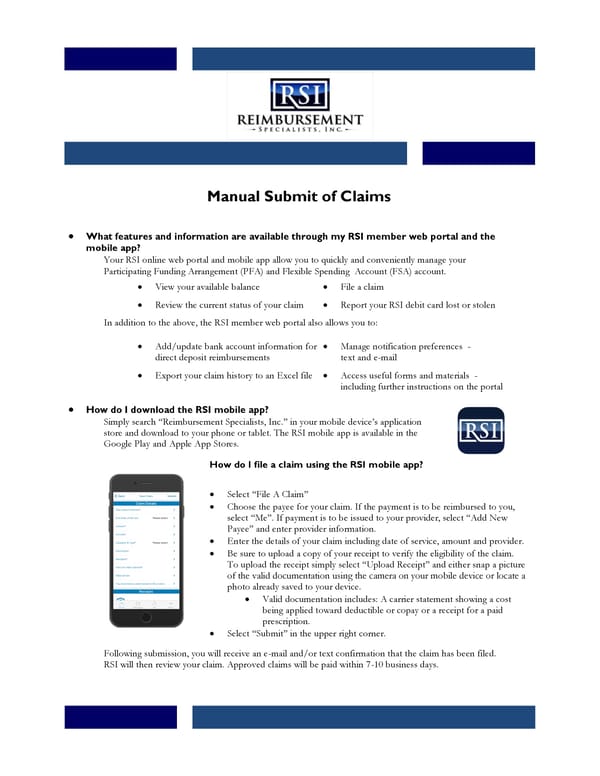
Manual Submit of Claims • What features and information are available through my RSI member web portal and the mobile app? Your RSI online web portal and mobile app allow you to quickly and conveniently manage your Participating Funding Arrangement (PFA) and Flexible Spending Account (FSA) account. In addition to the above, the RSI member web portal also allows you to: • How do I download the RSI mobile app? Simply search “Reimbursement Specialists, Inc.” in your mobile device’s application store and download to your phone or tablet. The RSI mobile app is available in the Google Play and Apple App Stores. How do I file a claim using the RSI mobile app? • Select “File A Claim” • Choose the payee for your claim. If the payment is to be reimbursed to you, select “Me”. If payment is to be issued to your provider, select “Add New Payee” and enter provider information. • Enter the details of your claim including date of service, amount and provider. • Be sure to upload a copy of your receipt to verify the eligibility of the claim. To upload the receipt simply select “Upload Receipt” and either snap a picture of the valid documentation using the camera on your mobile device or locate a photo already saved to your device. • Valid documentation includes: A carrier statement showing a cost being applied toward deductible or copay or a receipt for a paid prescription. • Select “Submit” in the upper right corner. Following submission, you will receive an e-mail and/or text confirmation that the claim has been filed. RSI will then review your claim. Approved claims will be paid within 7-10 business days. • View your available balance • File a claim • Review the current status of your claim • Report your RSI debit card lost or stolen • Add/update bank account information for direct deposit reimbursements • Manage notification preferences - text and e-mail • Export your claim history to an Excel file • Access useful forms and materials - including further instructions on the portal
 Gold and Silver - Manual Claims Reimbursement Process Page 2