
Accessing Your Digital ID Cards with myCigna
This document explains how to easily access and manage digital ID cards using the myCigna app or website.
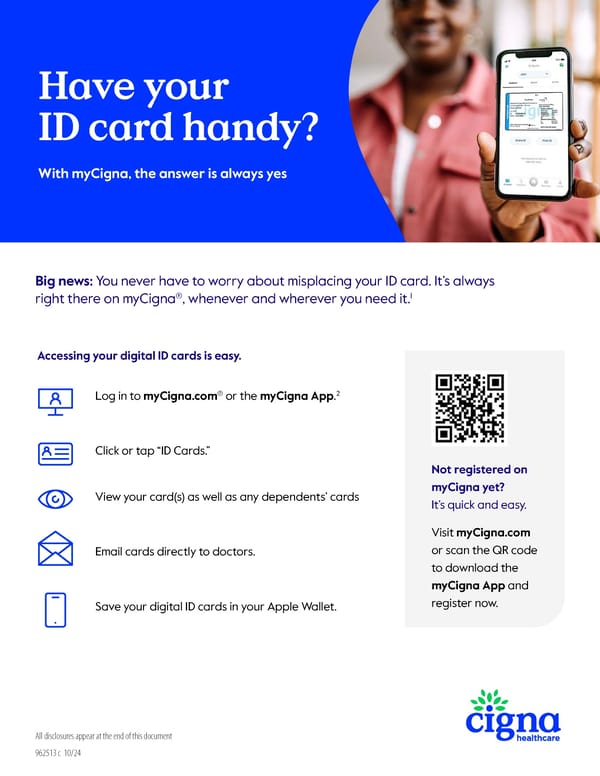
Have your ID card handy? With myCigna, the answer is always yes Big news: You never have to worry about misplacing your ID card. It’s always right there on myCigna®, whenever and wherever you need it.1 Accessing your digital ID cards is easy. Log in to myCigna.com® or the myCigna App.2 Click or tap “ID Cards.” View your card(s) as well as any dependents’ cards Email cards directly to doctors. Save your digital ID cards in your Apple Wallet. 962513 c 10/24 Not registered on myCigna yet? It’s quick and easy. Visit myCigna.com or scan the QR code to download the myCigna App and register now. All disclosures appear at the end of this document
 Accessing Your Digital ID Cards with myCigna Page 2